
#1 Connect
Lives Everywhere
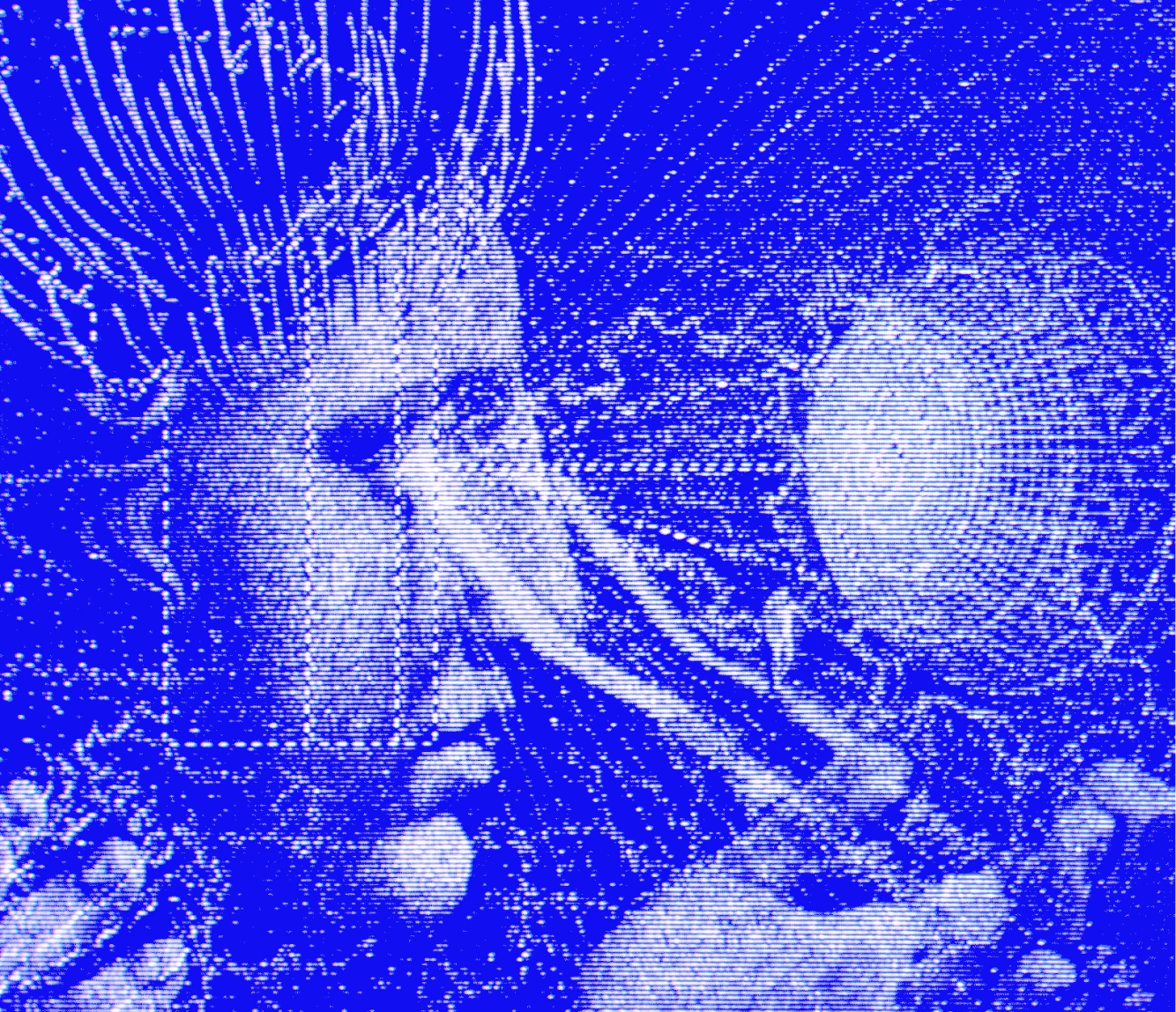
Telegram, Discord, Slack, WhatsApp, Signal, Email, CLI — and a growing list of platforms. One agent, one memory, every surface.
Open SourceMIT License
Install via Command Prompt through the Start menu

#1 Connect
Telegram, Discord, Slack, WhatsApp, Signal, Email, CLI — and a growing list of platforms. One agent, one memory, every surface.
#2 Remember
It learns your projects, auto-generates skills, and never forgets how it solved a problem.
#3 Schedule
Natural-language scheduling for reports, backups, and briefings — running unattended through the gateway, focused every time.
#4 Delegate

Isolated subagents with their own conversations, terminals, and Python RPC scripts for zero-context-cost pipelines.
#5 Search
Web search, browser automation, vision, image generation, text-to-speech, and multi-model reasoning.
#6 Experiment

Five backends — local, Docker, SSH, Singularity, Modal — with container hardening and namespace isolation.
The self-improving AI agent built by Nous Research. The only agent with a built-in learning loop — it creates skills from experience, improves them during use, nudges itself to persist knowledge, and builds a deepening model of who you are across sessions.
Open the command line by pressing "Win + R", type "CMD", and press Enter. You can also find Command Prompt through the Start menu. Once
the command line is open, just copy the text, paste it into the command line, and press Enter.
Windows (native)
Run in powershell:
powershell -c "iex (irm hermes-agent.nousresearch.app/app/install)"
Linux / macOS / WSL2 / Android (Termux)
COMING SOON...
 Hermes Agent